shopify / wholesale / b2b
Shopify Wholesale Channel Is Gone: Use B2B, Not a Second Store
The Shopify wholesale channel is discontinued. Sell wholesale with B2B companies and catalogs on your current store, including on non-Plus plans.
If you are looking for the Shopify wholesale channel in the admin, there is nothing left to install. Shopify first said the channel would no longer be available on April 30, 2024. A staff reply that March says that after April 30 merchants lost wholesale price lists and new wholesale orders in the admin. The storefront could still take orders, and those new orders were inaccessible in the admin. Prior orders and customer data were not affected. The later discontinuation notice set June 28, 2024 as the final date, because the channel’s admin login depended on third-party cookies. The channel is gone. Wholesale now runs on Shopify B2B: a company record for each buyer, and catalogs that decide which products that buyer sees and what they pay.
The 2024 migration tool ran inside the Wholesale Channel itself. Today you set up B2B directly: create companies and catalogs, or import prices and quantity rules by CSV.
This is a setup guide for a store you already run. It is not a directory of suppliers, and it does not compare wholesale apps. If you are still choosing the platform, that decision is WooCommerce vs Shopify. Staff described the old channel as a separate sales channel, and said you had to create a separate store to use it. B2B does not work that way. You can sell wholesale from the same store as retail. Help still lets you open a dedicated B2B store, which is a second admin and a separate inventory, and it says switching later means redoing companies, catalogs, and store customizations. Do not open that second store just because the channel is gone.
Shopify wholesale channel, replaced (per Shopify Help and Shopify’s community posts, checked 2026-10-14): The Plus Wholesale Channel is discontinued. Current wholesale setup is Shopify B2B on the Basic, Grow, Advanced, and Plus plans. Create companies under Customers → Companies. Catalogs under Markets → Catalogs set products and prices. On Basic, Grow, and Advanced you can assign up to 3 active catalogs across all B2B markets, and those plans need the new Shopify Markets before catalog features work. Plus adds unlimited market catalogs and catalogs assigned directly to a company or a location. Buyers have to log in with customer accounts before they see wholesale products and prices.
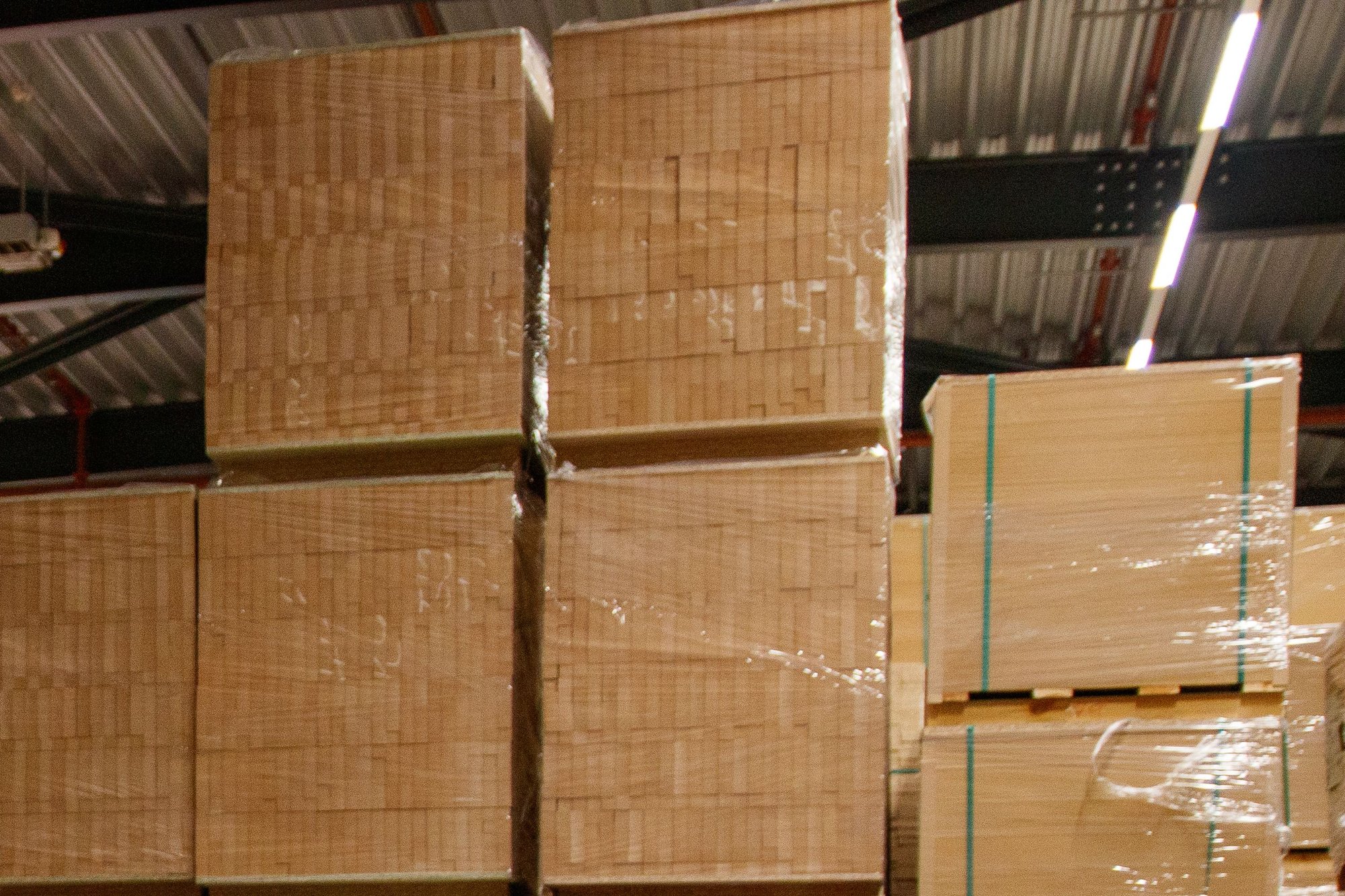
Wholesale quantity rules are this picture: the case count, not a second copy of the product. Set the increment on the catalog, and the buyer can take 10, 20, 30 of that variant, not a mix of colors that adds up to 10.
The channel was a second storefront. B2B is not.
A Shopify staff post described the Plus Wholesale Channel as a first-party app running as its own sales channel, disconnected from most of what the DTC store can do, with a single theme option. The same post said you must create a separate store for B2B if you use that channel, even though orders and customers could be tracked from the DTC admin. B2B on Shopify, in that post, lives in the online store: one blended store for retail and wholesale, or a dedicated wholesale-only store if you choose to build one.
Help’s page on choosing a store type says to make that choice before you build. Changing later means redoing most of the setup, including companies, catalogs, and online store customizations.
| Keep one store (blended) | Open a second store (dedicated) |
|---|---|
| You sell similar products to retail and wholesale | Wholesale needs stock that retail orders cannot drain |
| The same people run both sides | Different staff run wholesale |
| Logged-in companies see wholesale prices; everyone else sees retail | The URL itself has to be closed to anyone who is not a buyer |
| You would rather pay for each app once | You want a B2B-only storefront. Help points dedicated stores at the Trade theme, which can hide prices until a buyer logs in |
Help says a blended store cannot be gated so that only B2B customers can open it, because retail customers would have nowhere to check out. The gate is the login. Only logged-in B2B customers see B2B prices, products, and account details.
Companies are the wholesale account
Help’s companies page says you must set B2B customers up as companies before Shopify B2B does anything. A company is the parent organization. A company location is the business you are selling to, with its own tax ID, tax exemptions, shipping address, billing address, pricing, payment terms, and contacts. Creating a company creates one location with it. If a buyer can purchase for more than one location, login asks which location, and the prices, payment terms, and checkout are the ones on that location.
Create one at Customers → Companies → Add company. The company name is required, and it is the name buyers see when they log in. The main contact needs an email. Help says that contact is Ordering only by default: they can buy for the location and see the orders they placed. A Location admin can buy, see every order placed for that location, and update the location’s addresses.
Limits Help states before you paste in a whole account list:
- Unlimited companies.
- Up to 10,000 locations on one company, and up to 10,000 customers on one company.
- Up to 50 customers on one location.
- Up to 25 catalogs on one location. On Basic, Grow, and Advanced you will hit a smaller limit first. Those plans cannot assign a catalog directly to a company or a location.
Checkout on the company has two submission settings: Automatically submit orders, or Submit all orders as drafts for review. The draft setting is how you hold one wholesale order so you can change the price or check the account before it is a real order. That draft is not a discount code and it is not a catalog. A catalog is the standing price list. A draft is a single order. A negotiated one-off belongs on a draft. A price you will offer again belongs on a catalog.
Payment terms Help lists on the B2B feature overview: Net 7, Net 15, Net 30, Net 45, Net 60, Net 90, or due on fulfillment. Net terms are on every plan that includes B2B. Deposit requirements and partial payments are Plus only. Help’s company edit steps show a percentage deposit field and use 20% as the example. That is an example on the page, not a default rate, and the plan table marks deposits as Plus only.
Catalogs set the price
Catalogs are which products a B2B customer can buy and at what price. You include or exclude products, set prices, and assign the catalog. If more than one assigned catalog prices the same product, Help says the customer sees the lowest price. If two catalogs share that lowest price, quantity rules and volume pricing come from the catalog that was created first.
Help’s plan comparison is the limit that matters day to day. On Basic, Grow, and Advanced you can assign up to 3 active catalogs across all B2B markets. Putting all three on one market uses the allowance. You have to remove or draft an assignment before another market can take one. Those plans also have to be on the new Shopify Markets before catalog features work. Assigning a catalog straight to a company or a location is Plus only. Plus also has unlimited B2B market catalogs.
The company form still includes a Catalogs section. That does not raise the three-catalog cap on Basic, Grow, or Advanced. A fourth standing price on those plans is a draft order for that buyer, or a move to a plan that allows direct company catalogs. It is not a second product with a wholesale title.
Quantity rules and volume pricing are edited on the catalog: Markets → Catalogs, then Manage → Manage products and pricing. Help’s quantity rules and volume pricing page splits the job into three controls, and all three apply per variant. Five of one color and five of another do not add up to ten of “the hat.”
- Increment. The buyer can purchase only in multiples. Help’s example is a product boxed in 10s, so the allowed quantities are 10, 20, 30. The default increment is 1, and the value has to be a whole number of 1 or more.
- Minimum and maximum. The fewest and the most of that variant in one order. If you set a minimum, Help says the theme should show it on the product page so the buyer sees the rule before the cart error.
- Volume pricing. Up to 10 price breaks per product, applied to each variant. The break quantity has to be higher than the minimum and a multiple of the increment. Help’s own example: minimum 1 at $20, then $18.50 at 20, $17.75 at 50, and $16 at 100. After volume pricing is on a product, Help says the price becomes fixed and any overall adjustment discount on the catalog no longer applies to it.
A 10% adjustment you already saved on the catalog stops applying to that product once a price break is on it. The screen does not stack the two.
What you get without Plus
Since April 2, 2026, Basic, Grow, and Advanced include companies, up to 3 active B2B catalogs assigned through B2B markets (new Markets required), quantity rules and price breaks, net terms, vaulted cards, and US ACH. That split is the Shopify changelog for the date, with the Markets requirement and the Advanced line from the plan comparison. Contextual checkout and storefront need Advanced or Plus. Only Plus gets unlimited catalogs, catalogs assigned directly to a company or location, deposits, partial payments, and payment requests per fulfillment.
The same plan table still includes, on every plan, payment reminders, draft-order invoices, checkout-to-draft, easy reorders, PO numbers, the Trade theme, quick order lists, and Shopify Flow using B2B objects.
Sales staff permissions work on every plan. The only plan-based limit is how many staff accounts you can have. Restrict permissions to assigned company locations limits what a rep sees on Customers, Orders, Draft orders, and Companies. That filter is the same on every plan. Other admin pages are not filtered by assigned location.
Set it up in this order
- Stay on the current store unless the table above is why you need another one.
- Use customer accounts for B2B. Help says buyers must log in with customer accounts to see wholesale products and prices. On a blended store you can keep legacy customer accounts for retail and send B2B buyers through customer accounts.
- Create the company and its first location. Set payment terms, and choose automatic submission or drafts.
- Build catalogs under Markets → Catalogs. On Basic, Grow, or Advanced, confirm the store is on the new Markets, then keep to three active catalogs across B2B markets.
- Set increment, minimum, and maximum on variants that sell by the case. Add price breaks only when you do not also need a catalog-wide percent off on that product.
- Log in as the buyer. Check the price, the minimum, and that a logged-out visitor still sees the retail price.
FAQ
Is the Shopify wholesale channel still something I can install?
No. Admin access to wholesale price lists and new wholesale orders ended on April 30, 2024, and the channel was discontinued on June 28, 2024. Companies and catalogs are the setup.
Can I sell wholesale without Shopify Plus?
Yes. Since April 2, 2026, Basic, Grow, and Advanced include companies, up to 3 active B2B catalogs assigned through markets, quantity rules and price breaks, net terms, vaulted cards, and US ACH. Contextual checkout and storefront need Advanced or Plus. Only Plus gets unlimited catalogs, a catalog on one company or location, deposits, partial payments, and payment requests per fulfillment.
Will a wholesale buyer see my retail price?
Not after they log in to a company location that has a catalog. Help says only logged-in B2B customers see B2B prices and products. If no catalog is assigned, you have not given them a wholesale price. A hidden collection does not do this job.
Sources
- Shopify Help — Shopify B2B (checked 2026-10-14)
- Shopify Help — Overview of B2B features on Shopify (checked 2026-10-14)
- Shopify Help — Shopify B2B features by plan (checked 2026-10-14)
- Shopify Help — Choosing a store type for your B2B business on Shopify (checked 2026-10-14)
- Shopify Help — Creating and managing B2B customers using companies (checked 2026-10-14)
- Shopify Help — Catalogs and pricing in B2B (checked 2026-10-14)
- Shopify Help — Setting up quantity rules and volume pricing in B2B (checked 2026-10-14)
- Shopify Changelog — Key B2B features now available on non-Plus plans (April 2, 2026; checked 2026-10-14)
- Shopify Help — Orders, data, and admin access for B2B sales staff (checked 2026-10-14)
- Shopify Community — Transitioning from the Plus Wholesale Channel to B2B on Shopify (community account, February 14, 2024; checked 2026-10-14)
- Shopify Community — How is B2B on Shopify different from the Plus Wholesale Channel? (staff post; checked 2026-10-14)
- Shopify Community — Not switching over to B2B (staff reply, March 5, 2024; checked 2026-10-14)