shopify / variants / options
Shopify Variant Limit: 2048 Variants Still Are Not a Size Chart
The Shopify variant limit is 2,048 per product, but the option limit is still 3. Check themes and apps past 100 variants, and keep size charts in metafields.
If you sell on Shopify, the variant limit is now 2,048 variants per product, and every product still gets three options at most. That second number didn’t change. The useful rule hasn’t changed either: a variant is something a shopper picks and you stock, not a place to store the size chart.
This page is for merchants deciding how to set up a product. It covers what the current limits are, what to check before a product passes 100 variants, and how to choose between options, metafields, and separate products. The numbers come from Shopify Help on adding variants, Shopify’s 2,048-variant announcement, and the developer changelog, checked on October 8, 2026.
Shopify variant limits (per Shopify Help, checked 2026-10-08): A product can have up to 2,048 variants and up to 3 options (for example Size, Color, Material). Each product can hold up to 250 media items, and each variant can have one image from that list. Past 100 variants, some third-party themes, theme app extensions, public apps, and sales channels might not keep up; Stocky and the legacy Order Printer app don’t support more than 100; custom apps on the REST Admin API must move to the GraphQL Admin API. For more than 2,048 variants or more than 3 options, Help points to a third-party app or theme code that collects line item properties.
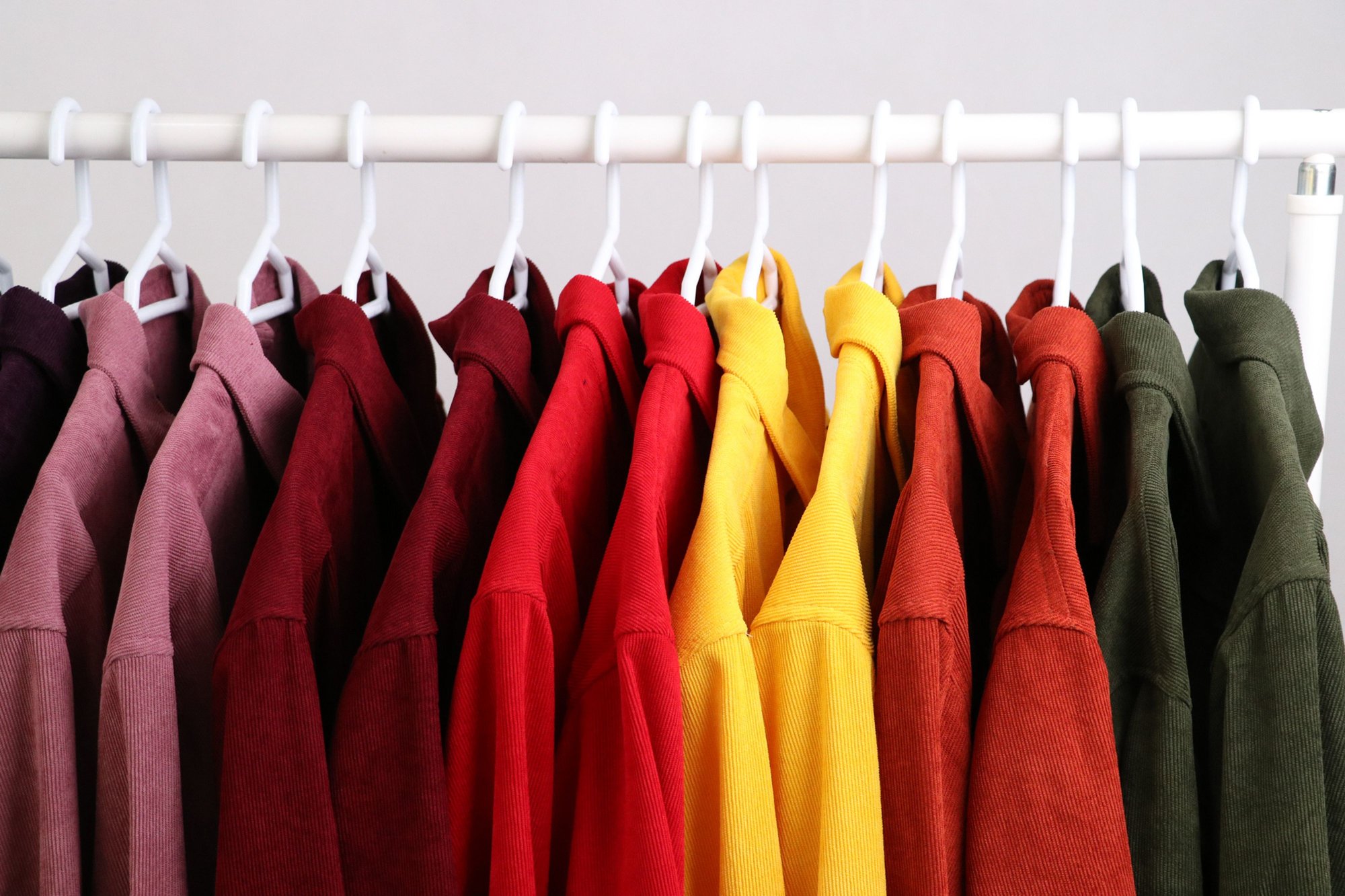
One shirt, many variants: every color and size a shopper can pick and you stock is a variant. Shopify now allows up to 2,048 per product across at most three options; the size chart that explains those sizes belongs in a metafield, not in the variant list.
Two limits, not one
Shopify’s developer changelog dated October 15, 2025 says all merchants can now create products with up to 2,048 variants, up from the historical limit of 100. Shopify’s announcement the same day describes the admin flow as unchanged: you add options and option values the same way, and the product can now grow to 2,048 variants.
The option limit is a separate rule, and Help states both side by side:
| Limit | Current number | What it counts |
|---|---|---|
| Variants per product | 2,048 | Purchasable combinations of option values, such as “Red / Small” |
| Options per product | 3 | Axes a shopper chooses along, such as Size, Color, Material |
| Media per product | 250 | Images and other media on the product |
| Images per variant | 1 | Picked from the product’s media list |
Variants multiply. Three options with 16, 16, and 8 values reach 2,048 exactly. A sofa sold in 4 sizes, 30 fabrics, and 5 leg finishes comes to 600 variants, which is well inside the new limit and would have been impossible under the old one. A product that needs a fourth axis, say a cushion fill, is blocked by the option limit no matter how few variants it has.
Help also lets options differ by product. One product can use Size, Color, and Style while another uses Weight, Finish, and Material.
Before a product passes 100 variants
The 2,048 limit lives in Shopify itself. Everything that reads your products has to keep up, and Help lists where it might not:
- Themes. Help says some third-party themes might not support more than 100 variants. Shopify’s theme developer guide explains why: Liquid’s
product.variantsnow returns at most 250 variants, so theme code that loops over every variant won’t work as expected on large products. If you didn’t build your theme, ask its developer whether it supports high-variant products before you load one. - Apps and sales channels. Help says some theme app extensions, public apps, and sales channels might not support more than 100 variants, and to contact the app developer. The changelog adds that apps not using Shopify’s current GraphQL product APIs may give a downgraded or broken experience on products over 100 variants.
- Shopify’s own apps. Per Help, Stocky and the legacy Order Printer app don’t support more than 100 variants.
- Custom apps. Help says a custom app that uses the REST Admin API must migrate to the GraphQL Admin API to handle more than 100 variants. Shopify’s announcement says the GraphQL product APIs gained 2,048-variant support in April 2024.
- Bulk uploads on very large catalogs. If your store has 500,000 or more variants, Help says app and CSV uploads are capped at 10,000 new variants a day. Stores on Shopify Plus are exempt.
Our suggestion: duplicate one real product, build it out past 100 variants as a draft, and check the product page, cart, and the apps that touch it (reviews, inventory, feeds, order printing) before you change a live listing.
Variant, metafield, or separate product
The higher limit removes a ceiling. It doesn’t change what a variant is for. Shopify’s developer docs describe a variant as a specific purchasable combination of option values, with its own price, inventory, and barcode. Help adds that once a product has variants, price, inventory, and shipping settings are set per variant. That gives a clean test for each piece of product information:
| The information | Where it belongs | Why |
|---|---|---|
| A choice that changes SKU, stock, or price (size, color) | Option + variants | Each combination is a different thing in your warehouse |
| A size chart, care guide, or dimensions table shared by many products | Product metafield | It explains the choices; nobody adds it to a cart |
| A detail that differs by variant but isn’t a choice (a variant-specific spec or note) | Variant metafield | Help supports custom fields on variant details pages, shown through compatible themes |
| Free text the shopper types, such as an engraving | Line item property (theme code or an app) | Help’s route for custom requirements beyond options |
| A version that needs its own title, description, photo set, and URL | Separate product | A variant can’t carry those |
That’s the point of this page’s title. Moving to 2,048 variants doesn’t make a size chart a variant. A chart explains what “M” means; the option “M” is what goes in the cart. Put the chart in a metafield and connect it to a block on the product page. Shopify metafields works through that setup, including why a shared page or metaobject reference beats pasting the chart into every product.
Help also lets you build variant options from category metafields. The values are reusable, so renaming “black” to “graphite” happens once, and color entries can show as swatches on product pages. If your product has a category, check whether a matching category metafield exists before you type option values by hand.
When splitting into separate products is still the right call
The announcement lists splitting one product across several product pages as one of the old workarounds for the 100-variant cap. Under 2,048, you no longer split just to fit. You still split when a variant can’t hold what the version needs:
- Each version needs its own photo set. Help allows one image per variant, and 250 media items per product. Help’s workaround is to arrange related images together in the product gallery and assign one image to the variant. If 30 fabrics each need six photos, that’s 180 of the product’s 250 media slots in one long gallery. Help suggests the Combined Listings app (Plus and enterprise commerce plans only) when a group of images must change automatically with an option.
- Each version needs its own title, description, or URL. A variant inherits the product’s. If shoppers search for a version by name and it needs its own page, it should be its own product.
- The product needs a fourth axis. The 3-option limit applies to every product. Splitting by one axis (one product per material, for example) frees an option slot on each.
Combined listings sit in between. Shopify’s Combined Listings app connects separate products into one listing on the storefront, joined by a shared option such as color. Each child product can keep its own title, description, URL, and image gallery, while shoppers see them as choices on one page. Per Help, it’s available only on Plus and enterprise commerce plans, it displays only on the online store, and child products aren’t included in Search & Discovery option filter results.
If what you actually want is a landing page for one color across many products, you don’t need to split products for that either. Shopify Help says the newer collections model can build a collection from specific variants, up to 100 such collections per store. Shopify collection SEO covers when a group like that deserves its own page.
The third-option wall
A lot of questions about Shopify variants are really about options: a product that needs Size, Color, Material, and something else. Raising the variant limit doesn’t help here. You have four ways out, and only the last one is Help’s own note:
- Fold two axes into one option when the combinations are fixed, such as one “Set” option with values like “Queen / Linen.” This works when the list stays short enough to scan.
- Move non-stock choices out of options. If the fourth “choice” doesn’t change stock or price, it may be a metafield (information) or a line item property (customer input), not an option.
- Split the product along one axis, as above. On Plus and enterprise commerce plans, Combined Listings can bring the split products back together as one listing: per Help, it adds up to 3 options of its own on top of each child product’s options, with up to 60 products and 2,048 variants across the listing.
- Use an app or theme code. Help’s note for more than three options or more than 2,048 variants is a third-party app from the Shopify App Store, or theme code that collects line item properties.
FAQ
What is the Shopify variant limit now?
2,048 variants per product, with up to 3 options per product, per Shopify Help. The changelog dated October 15, 2025 says the higher limit applies to all merchants.
Does the 2,048 limit raise the 3-option limit?
No. Help lists them as separate limits. A product can have up to 2,048 variants and still only three options.
Why don’t my variants show correctly past 100 or 250?
Check your theme first. Help says some third-party themes might not support more than 100 variants, and Shopify’s theme docs say Liquid’s product.variants returns at most 250, so older theme code that loops over every variant can miss some. Then check the apps that read the product, including feeds and order printing.
Should a size chart be a variant?
No. A size chart explains the sizes; it isn’t one. Keep Size as an option and put the chart in a metafield shown on the product page.
Sources
- Shopify Help — Adding variants (checked 2026-10-08 Asia/Shanghai)
- Shopify — More to sell, less to manage: introducing 2,048 product variants (Oct 15, 2025; checked 2026-10-08 Asia/Shanghai)
- Shopify.dev changelog — The product variant limit is now 2048 for all merchants (Oct 15, 2025; checked 2026-10-08 Asia/Shanghai)
- Shopify.dev — Support high-variant products (themes) (checked 2026-10-08 Asia/Shanghai)
- Shopify.dev — About products and collections (GraphQL Admin API product model) (checked 2026-10-08 Asia/Shanghai)
- Shopify Help — Adding images to product variants (checked 2026-10-08 Asia/Shanghai)
- Shopify Help — Combined listings (checked 2026-10-08 Asia/Shanghai)
- Shopify Help — Creating collections and adding products (checked 2026-10-08 Asia/Shanghai)