
shopify / pricing / compare-at-price
Shopify Compare-at Price Is Not a Discount
Set Shopify compare-at price above Price so the sale can show. Collection pages hide it when variants disagree. Checkout still shows Price.
If you run a Shopify store, set compare-at price when the product page should show a higher figure beside the price you charge. That field does not create a discount, and checkout still displays the lower Price.
The field rules below come from Shopify Help on setting sale prices, checked October 14, 2026. This is an admin setup guide. It is not legal advice about whether a crossed-out price is allowed where you sell.
Shopify compare-at price in one paragraph (per Shopify Help, checked 2026-10-14): Compare-at price is the original price you enter so a lower Price can display as a sale. It has to be higher than Price for that sale to show. Product pages and collection pages can show both amounts; checkout displays only the sale price, and a discount code reduces that amount.
$0.00is not an empty compare-at field: for collection rules it matches is set and does not match is not set. On a collection page, inconsistent compare-at values across variants — a mix of$0.00, blank, and different amounts — mean the product is not shown as on sale, even when the product page shows the comparison for the variant you selected.
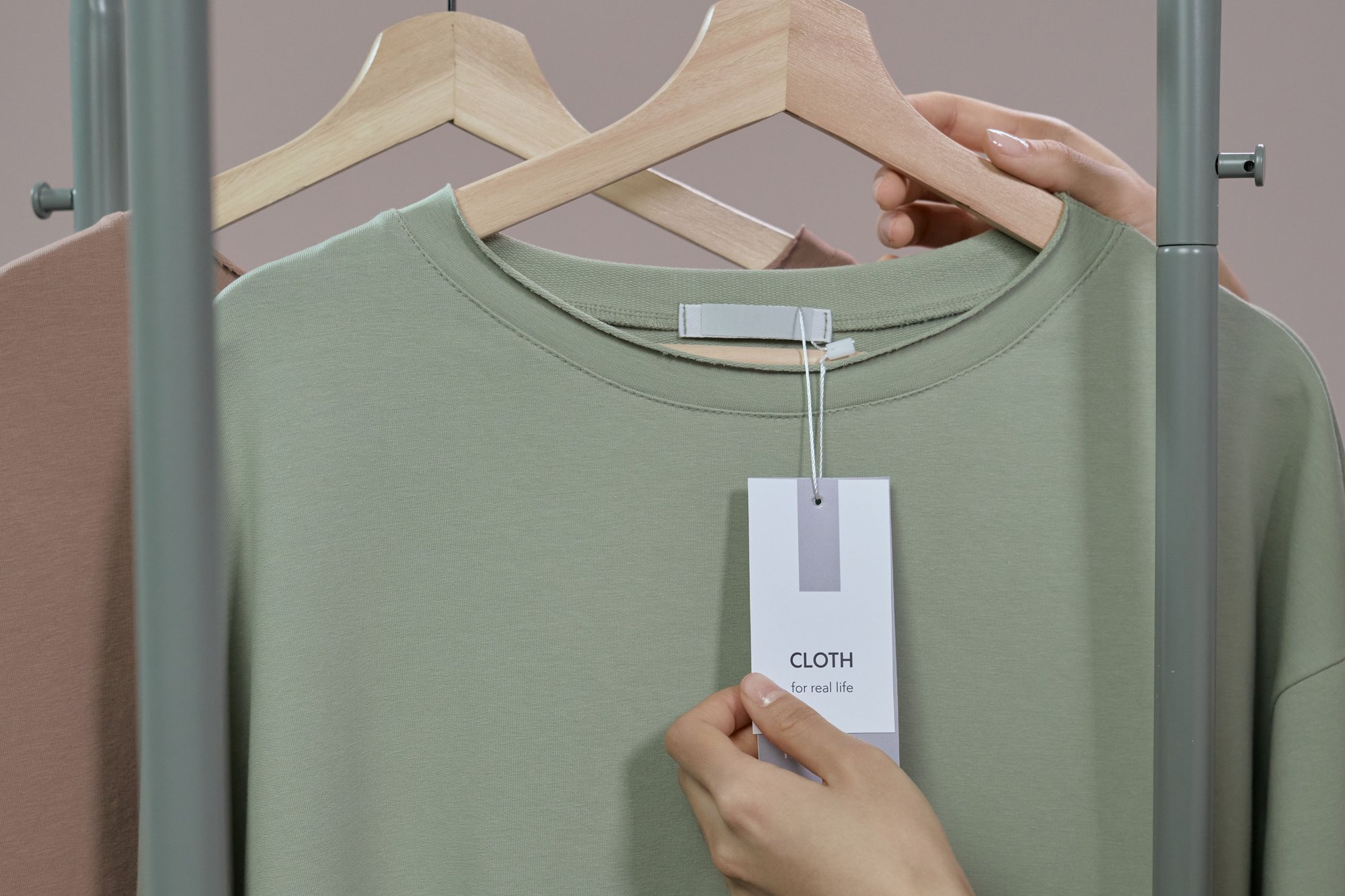
The tag is what a customer stops to read. On Shopify, compare-at price only changes what that tag can show. Checkout still displays Price.
Price, compare-at, and a discount do different jobs
| What you set | Where | What the customer sees | What it does not do |
|---|---|---|---|
| Price | Product or variant, Price | The sale price checkout displays | Cross out a higher price by itself |
| Compare-at price | Same price area, Compare-at price | A higher figure the theme can show beside Price on the product page and the collection page | Take money off in the cart, or require a code |
| Discount (automatic or code) | Discounts | A reduction in the cart and at checkout | Fill Compare-at, or strike through the product page and collection page without extra work |
Help’s Discounts page puts the choice in one line: you can create discount codes or automatic discounts, or you can set sale prices on individual products. Sale pricing is the Price and Compare-at pair. A discount is a cart rule. Saving one does not configure the other.
How to add a compare-at price
From the product in your Shopify admin, per Help:
- Go to Products and open the product.
- In the Price section, click Compare at.
- Enter the original price in Compare-at price.
- Enter the new price in Price.
- Click Save.
For one variant, open that variant and edit its price area the same way. The Shopify app uses the same two fields. Help also says you can bulk-edit variants and products. It does not add a separate “compare-at discount” control anywhere in Discounts.
Help’s example: seasonal shirts that sold for $30 go to $10. Set Price to $10 USD and Compare-at price to $30 USD. The theme can show both, and it might add a sale badge. A badge, a percentage, or two plain numbers is up to the theme. Help says to read that theme’s documentation.
The sale displays only when Compare-at is higher than Price. Help does not describe a separate error when Compare-at is equal or lower. The comparison just does not meet the display rule.
On a product CSV, the column is Compare-at price. Enter the number only, with no currency symbol. Help’s example is 9.99, described as the original price of the variant when the price has been reduced and you want the comparison shown.
When compare-at price does not show on a collection page
The usual mismatch: the product page looks right, and the collection page does not show the sale.
On a collection page, Help says the product shows the most general pricing that applies to every variant. If compare-at values disagree — some $0.00, some empty, some a different amount — the collection page will not display the product as on sale. The product page can still look correct, because it shows the variant that is selected.
To fix it, per Help:
- Open the product and read compare-at on every variant.
- Either clear the conflicting values so those fields are blank, or set every compare-at higher than that variant’s own Price.
- Click Save.
$0.00 is not blank. Help says to clear the field entirely on variants that should not show a compare-at price.
That is a display rule for the collection grid. It is not the same test as “is this product in a sale collection?”
A sale collection is a condition, not a second discount
Help still publishes two versions of this condition, because the collections admin is mid-change. Examples of smart collections says a new collections model is replacing legacy manual and smart collections, and that you can keep using smart collections until the new model shows up in your admin. Its sale-collection example is Compare-at price → is not empty. The note on that step says a product matches if the product, or any variant, has any compare-at value, including 0.
If your admin already uses the newer conditions, Understanding conditions for collections uses different labels. The compare-at price condition URL serves the same table:
- Compare at price → is not set. The product matches when any variant has an empty compare-at price.
- Compare at price → is set. The product matches when every variant has a compare-at value. The value can be 0.
For collection rules, $0.00 counts as a value: a product with a $0 compare-at price matches is set and does not match is not set. To keep it out of a sale collection, build the sale collection with compare-at price is greater than 0, or clear the field. Help’s troubleshooting note says the same thing in other words: zero is not empty, and to find products with a compare-at price set, including zero, use is set or is greater than 0.00. One bullet on that page says the opposite, that setting compare-at to $0.00 excludes a product from collections that use is set. The condition table and the zero note are the rules to follow.
The collection’s title, description, and search listing are a different job, covered in Shopify collection SEO. This page only uses compare-at as the condition that puts a product in the group.
Checkout displays the sale price
Help is direct: if you set a sale price and a compare-at price, both amounts can show on product pages and collection pages, but only the sale price is displayed at checkout.
Checkout charges that sale price. The code comes off Price, not the compare-at price. A 20% code on an item whose Price is $80 and whose compare-at price is $100 comes off the $80, so checkout charges $64. The discount codes FAQ treats that code as a cart and checkout reduction, different from the compare-at figure on the product page. An order discount, on the Discounts overview, is applied to the order subtotal before taxes.
If the cart should save money without a typed code, create an automatic discount and leave Compare-at alone. If a code should stack with another discount, that pairing lives on the discounts themselves. Shopify discount combinations is the matrix. There is no combinations toggle on Compare-at.
One display limit sits on the same Help pages. Savings from an automatic discount or a code are shown with a crossed-out price at checkout. To show those same savings as a strikethrough on the product page and the collection page, Help says you need a third-party discount app or a custom solution from a Shopify Partner. Compare-at does not do that, and a discount does not write Compare-at.
A market price can hide the edit you just saved
Fixed prices override the price and compare-at price set on the product in admin. Help says fixed sale prices for international markets are imported with a CSV, and that those sale prices can’t be created in the admin.
On a product CSV export, a market gets Compare At Price / [Market] only in the case Help describes: exactly one of that market’s active catalogs isn’t shared with another market. The column list also documents Compare-at price / International as the fixed compare-at for the market of that name. A fixed compare-at requires a fixed price in that market. Both columns are numbers only, same as the store Compare-at price column.
On a catalog (Markets → Catalogs), a percentage price adjustment applies to compare-at prices by default. To type compare-at yourself, turn off Include compare-at price. You can also set a Compare-at price on an individual product in the catalog. A catalog CSV uses Compare At for that figure and Fixed Price for the price. Help says a catalog export includes only products that have fixed prices.
When the storefront sale does not match the product you edited, check the catalog for that market before you rewrite Compare-at again.
A crossed-out price is not legal advice
Help tells you to put the product’s original price in Compare-at. It does not decide whether that crossed-out price is a lawful previous price in the places you ship. If you are unsure what you may advertise, check the rules for those places.
Before the sale goes live
- On every variant that should look on sale, Compare-at is higher than Price.
- Variants that should not show a comparison have an empty compare-at field.
$0.00is a stored value. To leave a product out of a sale collection, use compare-at price is greater than 0, or clear the field. - Open a collection page, not only the product page.
- Open checkout. It charges Price. On an item at $80 with a $100 compare-at price, a 20% code charges $64.
- If the offer should apply by itself in the cart, it belongs under Discounts.
FAQ
Is a Shopify compare-at price a discount?
No. Help treats sale prices and discounts as different tools. Compare-at can sit beside Price on the product page and the collection page. A discount reduces the cart and checkout.
How do you add a compare-at price in Shopify?
Open the product, click Compare at in the Price section, enter the original price there and the new price in Price, then save. Do the same on each variant that should show the comparison.
Why is compare-at price not showing on a collection page?
Help’s likely cause is compare-at values that don’t match across variants, including blanks mixed with $0.00 or with other amounts. The product page can still look fine, because it prices the selected variant.
Does $0.00 clear compare-at price?
No. $0.00 counts as a value: the product matches is set and does not match is not set. Clear the field, or set the sale collection to compare-at price is greater than 0. One Help bullet says $0.00 drops a product out of an is set collection; the condition table says 0 counts.
Sources
- Shopify Help — Setting sale prices for products (checked 2026-10-14)
- Shopify Help — Discounts (checked 2026-10-14)
- Shopify Help — Discount codes FAQ (checked 2026-10-14)
- Shopify Help — Examples of smart collections (checked 2026-10-14)
- Shopify Help — Understanding conditions for collections (checked 2026-10-14)
- Shopify Help — Compare-at price collection conditions (checked 2026-10-14; same condition table, including is set, is greater than 0.00, and the contradictory
$0.00bullet) - Shopify Help — Using CSV files to import and export products (checked 2026-10-14)
- Shopify Help — Creating catalogs for markets (checked 2026-10-14)